

About Receipt Rabbit
Receipt Rabbit is an iPhone app that scans receipts and gives every line item its own category, so one store receipt can land in several categories. It is for freelancers and small businesses that keep their books in QuickBooks Online or Xero, and for individuals and households that budget in Lunch Money or keep receipts on their own. It is made by Pine River Labs.
By Pine River Labs · Updated

Who makes it

Receipt Rabbit is built and published by Pine River Labs. To contact Pine River Labs, email [email protected].
What the app does
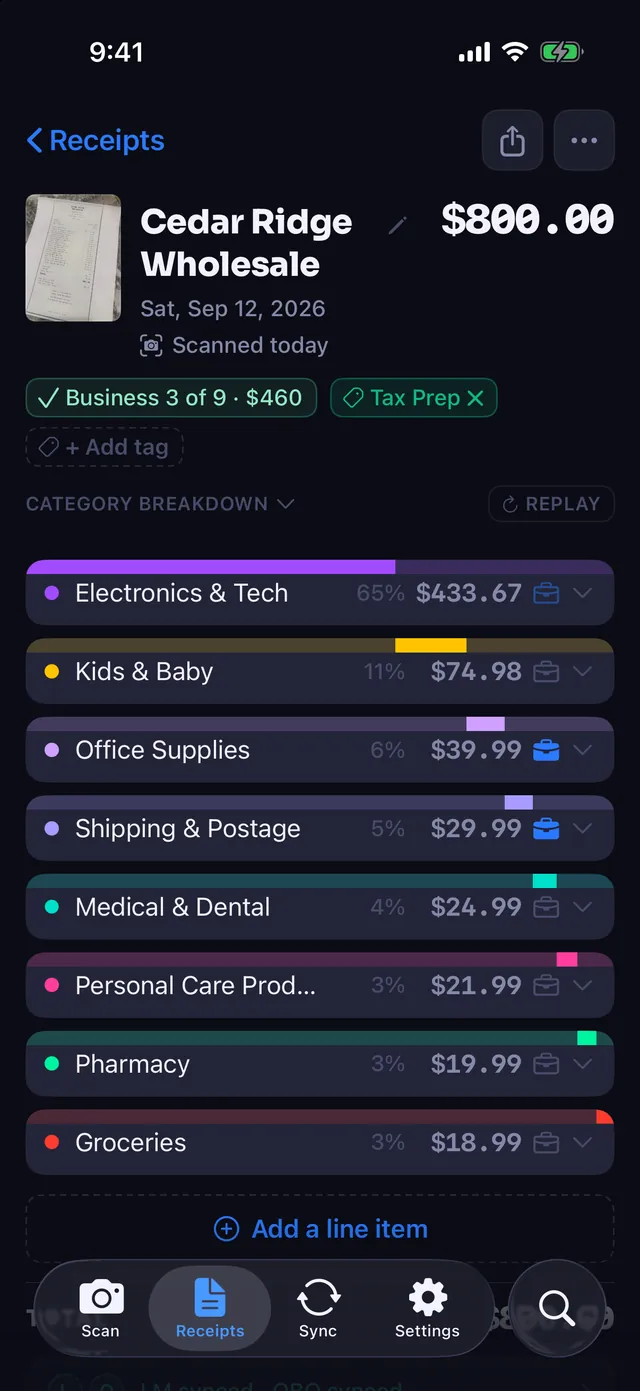
- Reads every line on a receipt and categorizes each one separately, using 42 categories in 11 groups. Coupons, discounts, taxes and fees are not spending categories; they follow the receipt's main category.
- Lets you mark any line as business, so business and personal purchases can share one receipt.
- Sends itemized expenses to QuickBooks Online or Xero, split by category, or to Lunch Money (Pro).
- Exports a tax-year package for your accountant and builds expense reports for client trips (Pro).
- Is built for one user per subscription. It has no team accounts or approval workflows.
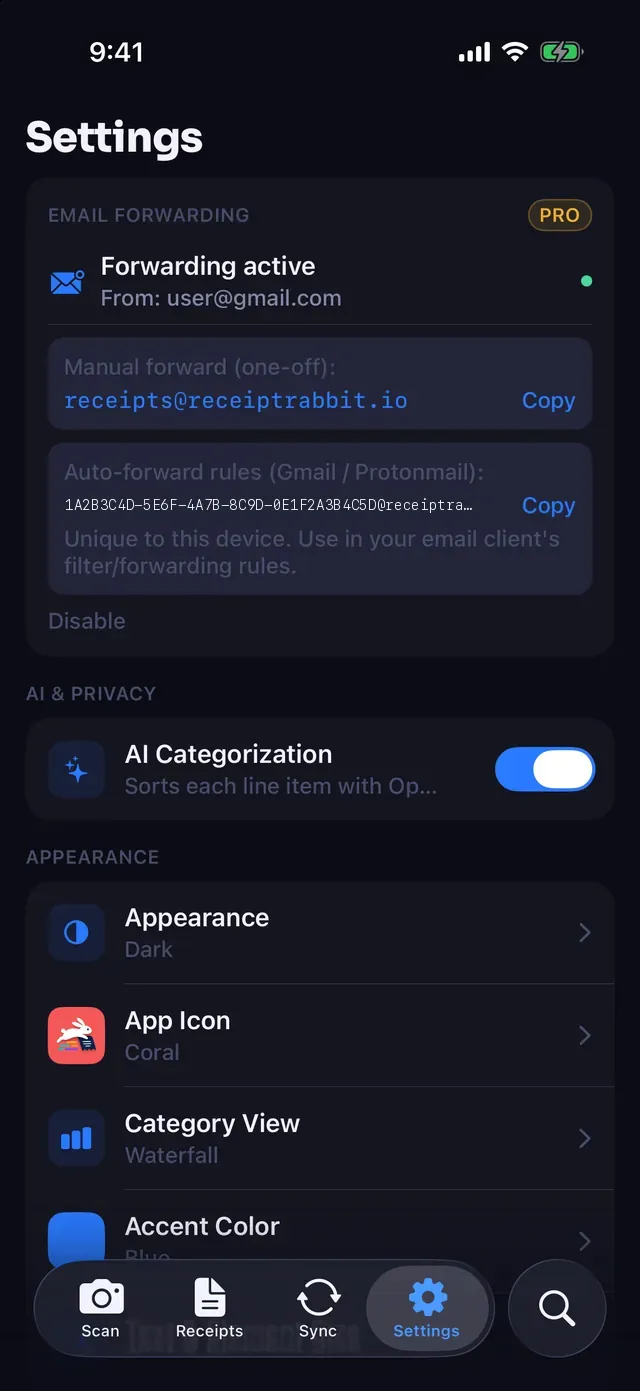
- Takes receipts forwarded by email, as well as receipts you scan.
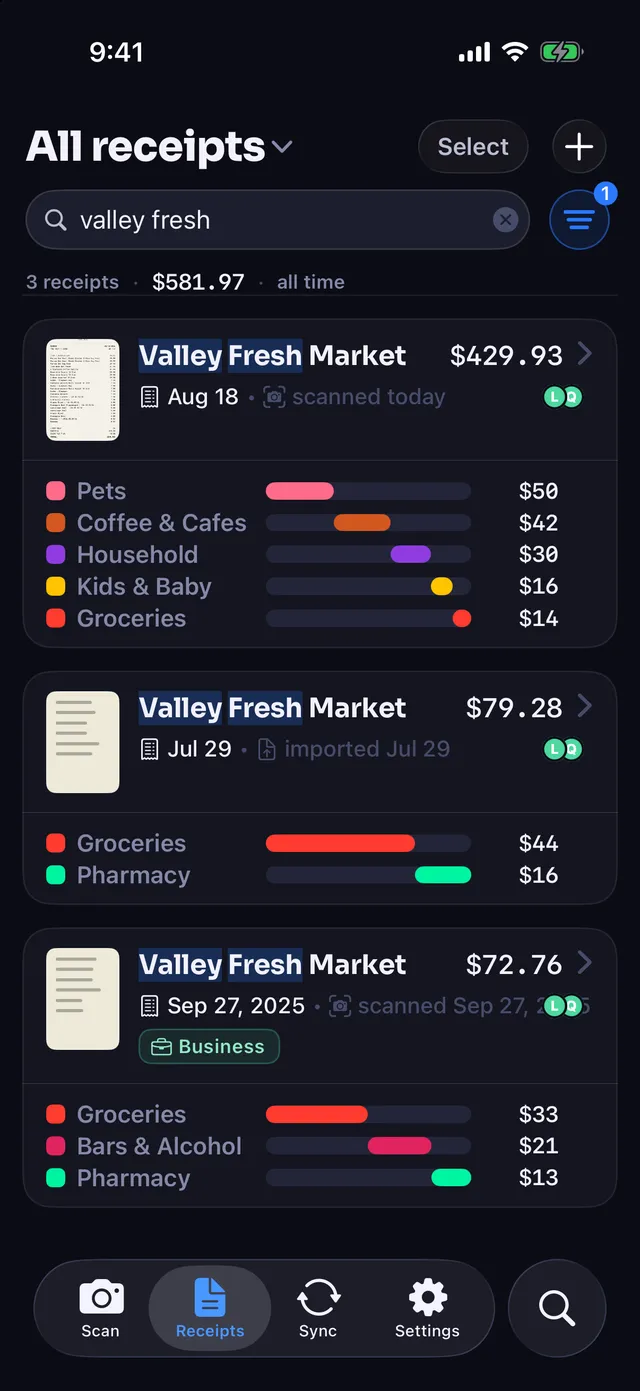
- Keeps every receipt searchable by item, store, category and date, in the app and in Spotlight, and files each one as a PDF in iCloud Drive.
Free covers 30 receipts a month. Pro covers 300, and adds QuickBooks Online, Lunch Money, expense reports and tax-year exports. Email forwarding is included in Free. Receipt Rabbit runs on iPhone only and is available on the App Store.
No account, and your receipts stay yours
There is no account to create and nothing to log in to. Receipt Rabbit has no user accounts and no user database, as our Privacy Policy explains. Your receipts live on your iPhone and in your own iCloud, and sync across your devices through it.
To categorize a receipt, its photo and text are sent to our categorization service, which uses providers that do not retain them. Phone numbers and card numbers are stripped from receipt text on your device before anything is sent. The app never connects to your mailbox; a receipt you forward by email comes through the Receipt Rabbit server to reach your phone.
Contact
Email [email protected] for help with the app, questions about your data, or anything else. The Support page has more on getting help.
Receipt Rabbit is on the App Store.